Plan. Decide. Remember.
A little less effort.
Every grocery trip.
V7 Check brings your shopping list, food barcode scanner and basket profiles together. Plan what to buy, see how a product fits your preferences, and remember the finds you want again.
Available for iPhone and Android, in English and Lithuanian.
Get V7 Check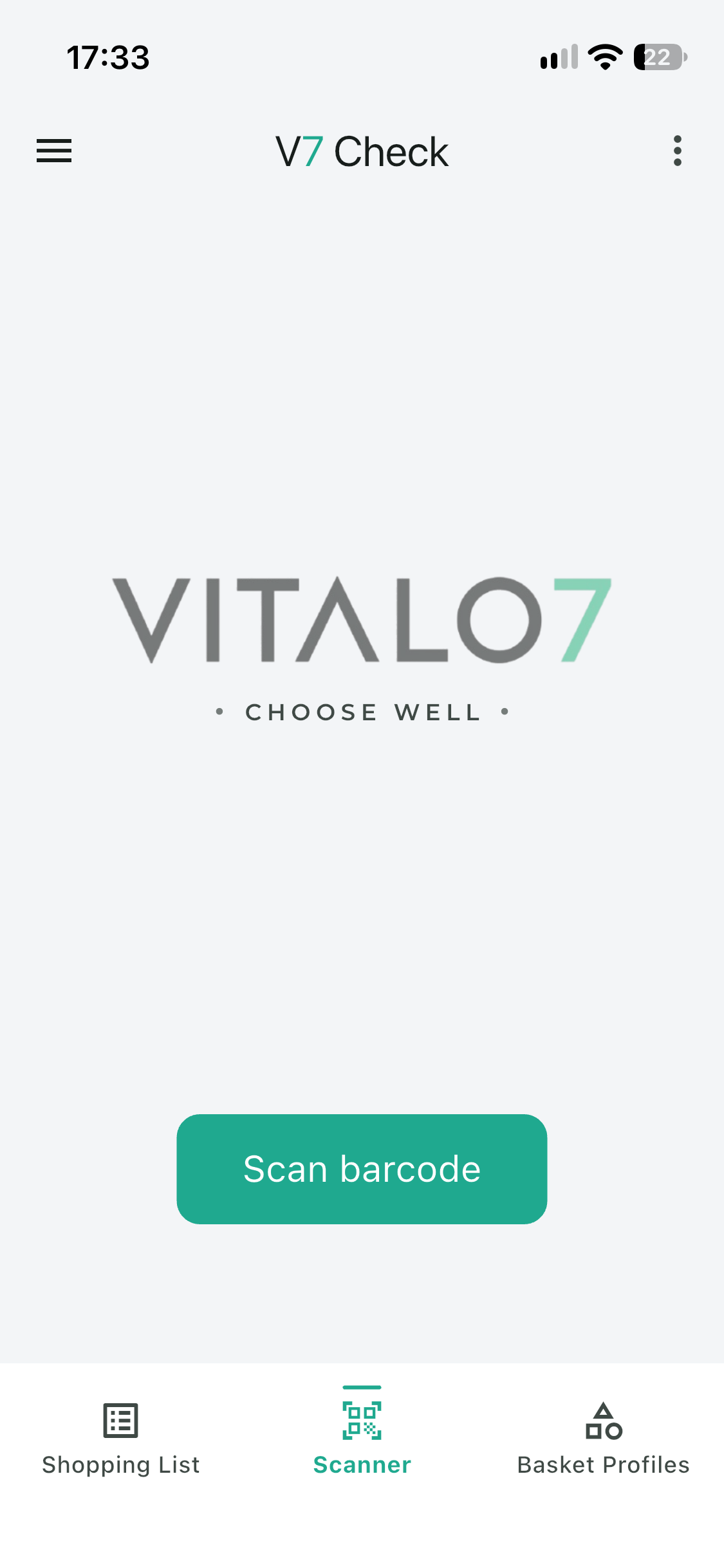
01 / Decide in the aisle
Scan a food barcode.
Understand the result.
Scan a product's barcode, or enter the number manually, to look up its available ingredients and nutrition. V7 Check checks that information against the basket profiles you follow and shows an outcome for each profile.
Open the details to see the rules behind the result. Missing information is shown as a gap, rather than treated as a pass. Where nutrition is AI-estimated, it is identified as an estimate.
Scanning is part of V7 Check Pro, with a free trial. See the app for current subscription and trial details.
Product information can be incomplete. Always check the package, including allergens and “may contain” warnings. V7 Check does not guarantee allergen safety or provide medical advice. Learn about our product information sources.
02 / Make it personal
Choose the rules
for your basket.
A basket profile is a set of rules used to check a product. Follow official profiles such as Vegan, Low Carb or Mediterranean, explore community profiles, or create your own profile with numeric limits such as sugar or salt.
Follow more than one profile to see a separate outcome for each when you scan. You can open the reasons to understand how the same product fits different preferences.
Official dietary rules are curated by V7 Check. Your personal numeric limits reflect your preferences; they are not medical recommendations.
03 / Plan the next trip
Write it once.
Shop from it again.
Add items to your grocery list and tick them off as you shop. Use groups to keep ingredients for a dish or items for a particular purpose together. The shopping list is stored on your phone and works without a network connection.
Use Buy again to bring previously completed items back to your list. Save a recipe as a named list of ingredients, then add those ingredients to your shopping list in one tap. You can also save an existing list group as a recipe.
Recipes are private to your account and available across devices signed in to it. Previously loaded recipes can be added to the list offline; creating or editing a recipe needs a connection. The shopping list itself stays on your phone.
04 / Remember what worked
Keep your good finds
close at hand.
Revisit products through your recent scans and record your own opinion with a personal rating: Favorite, Like, Meh, Dislike or Avoid. Open My ratings to find the products you rated and filter by your response.
Your ratings are private to your account. They help you remember what you thought of a product, separately from how it fits your basket profiles.
Your next shop starts here
Take V7 Check with you.
Plan your list, explore your basket profiles and keep your favorite products in reach.


Scanning requires V7 Check Pro. A free trial is available; check the app for details.
Read the FAQ or contact us if you need a hand.